Line Dice
A downloadable game for Windows and Linux
CURRENTLY NO AUTOMATIC HIGH-SCORE SAVING
Controls: Left Click, R key
About Line Dice:
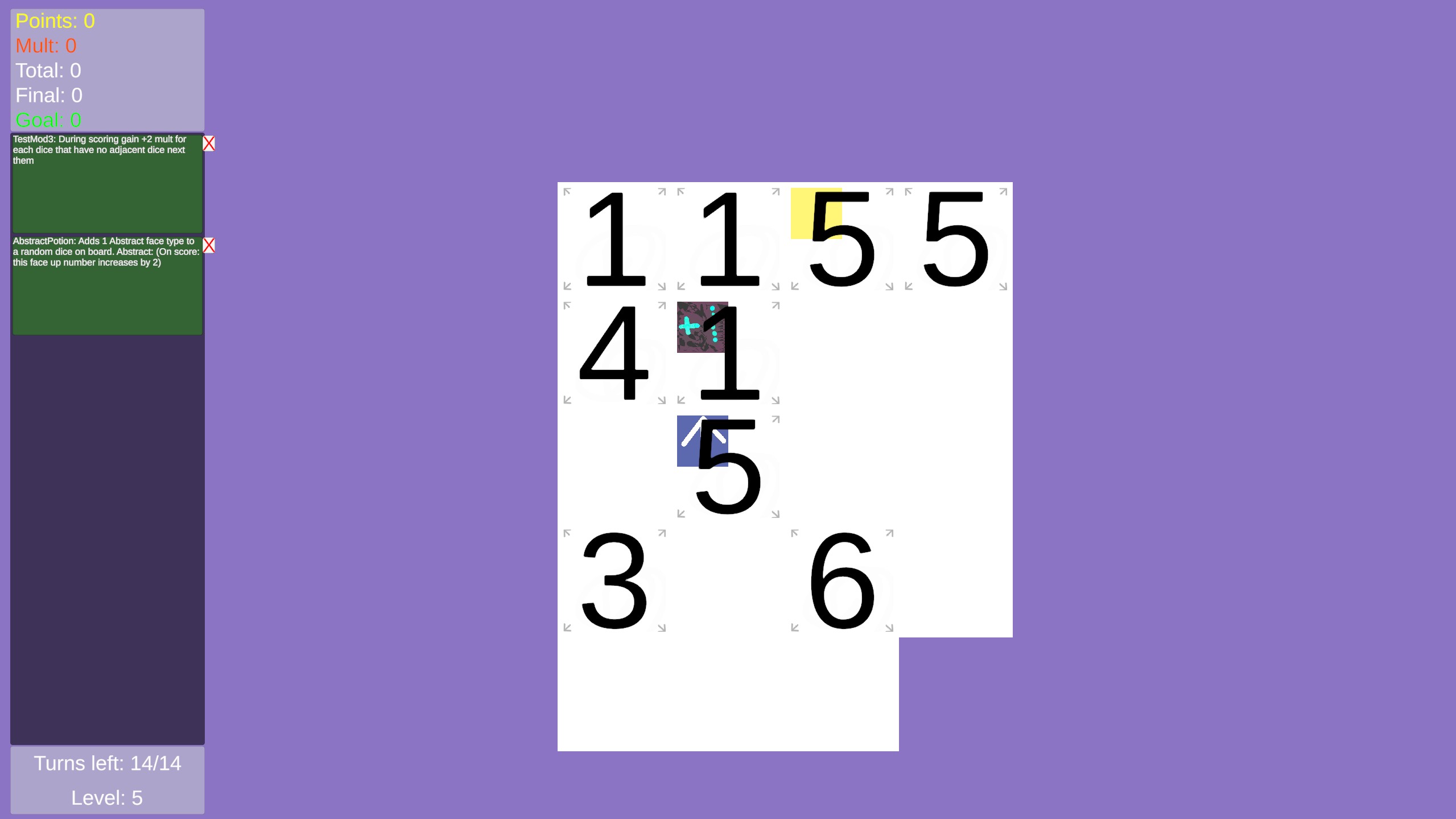
-Line up dice to score points.
-Reach the Goal number of points to go to the next level.
Basic rules of clicking/placing dice:
-On beginning of level: click on 3 dice to select them.
-press R to put those dice in your dice bag, then 3 random dice from there will be put in those 3 side tiles below the main board.
-Select the left most dice in the side board, and now you can click on any empty spot on the main tiles to put it there.
-Then the last 2 dice in the side board will automatically be placed on the main board from left to right first, then top to bottom.
Basic rules of scoring dice:
-All straight line of dice with no empty gaps between, and have all the same numbered dice in order to score those that line of dice(technically you're scoring the faces).
-The length of a scored line increases your total Mult, while the total pips in that scored line add to your total points.
-Then your Final Score will be increased by (Total Mult * Total Points).
Basic rules of after scoring dice:
Each level has a max turn meter, and after scoring dice your turn meter decreases by 1.
Then it checks if your final score(which persists after each turn) is greater than or equal to goal points, if it does then your turn meter becomes full and you go to the next level.
if not then follow the rules of: Basic rules of clicking/placing dice.
Download
Click download now to get access to the following files:
Development log
- Line Dice Update V0.0340 days ago
Leave a comment
Log in with itch.io to leave a comment.